
Shading stays a gradient
Bands of colour that follow one ramp are merged and filled with a single linear or radial gradient. Highlights and rim lights are layered on top as translucent gradients, the way an illustrator draws them.
Rekha traces PNG and JPEG logos, icons and artwork into a few editable paths, and keeps shading as real gradients instead of cutting it into flat tiles.
Free for images up to 4 megapixels, no account needed. Open source in Go.


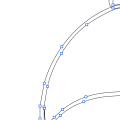
A 2048-pixel browser mark with radial shading, traced by each tool at its default settings. Fewer paths and bytes mean an SVG that is easier to edit and faster to load. PSNR measures how close the result is to the source: higher is closer.
| Tool | Paths | File size | PSNR |
|---|---|---|---|
| Rekha | 33 | 32 kB | 34.8 dB |
| Adobe Express | 197 | 325 kB | 28.7 dB |
| VTracer | 7 | 30 kB | 17.2 dB |
A tracer can copy every pixel and still give you a file nobody wants to open. Rekha works out what was drawn.
Bands of colour that follow one ramp are merged and filled with a single linear or radial gradient. Highlights and rim lights are layered on top as translucent gradients, the way an illustrator draws them.
Circles come out as four exact arcs, rounded rectangles keep one shared radius, and a sharp corner is one node. Nothing wobbles when you scale it.
The grey pixels along an edge record where the true edge was. Rekha optimises every curve against them, placing it to a fraction of a pixel.
SVG for the web and for editing, PDF and EPS for print, DXF for cutters and CAD. All four are written from the same curves.
Each of these was a 2048-pixel PNG. The figures are what the tracer reported.
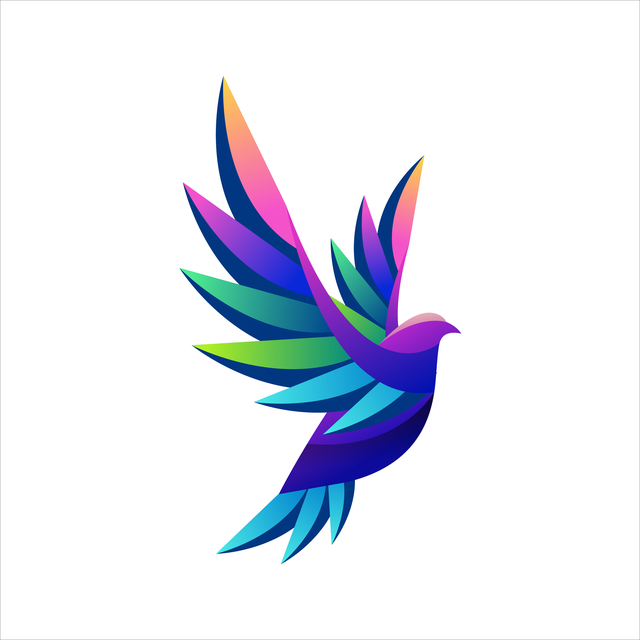
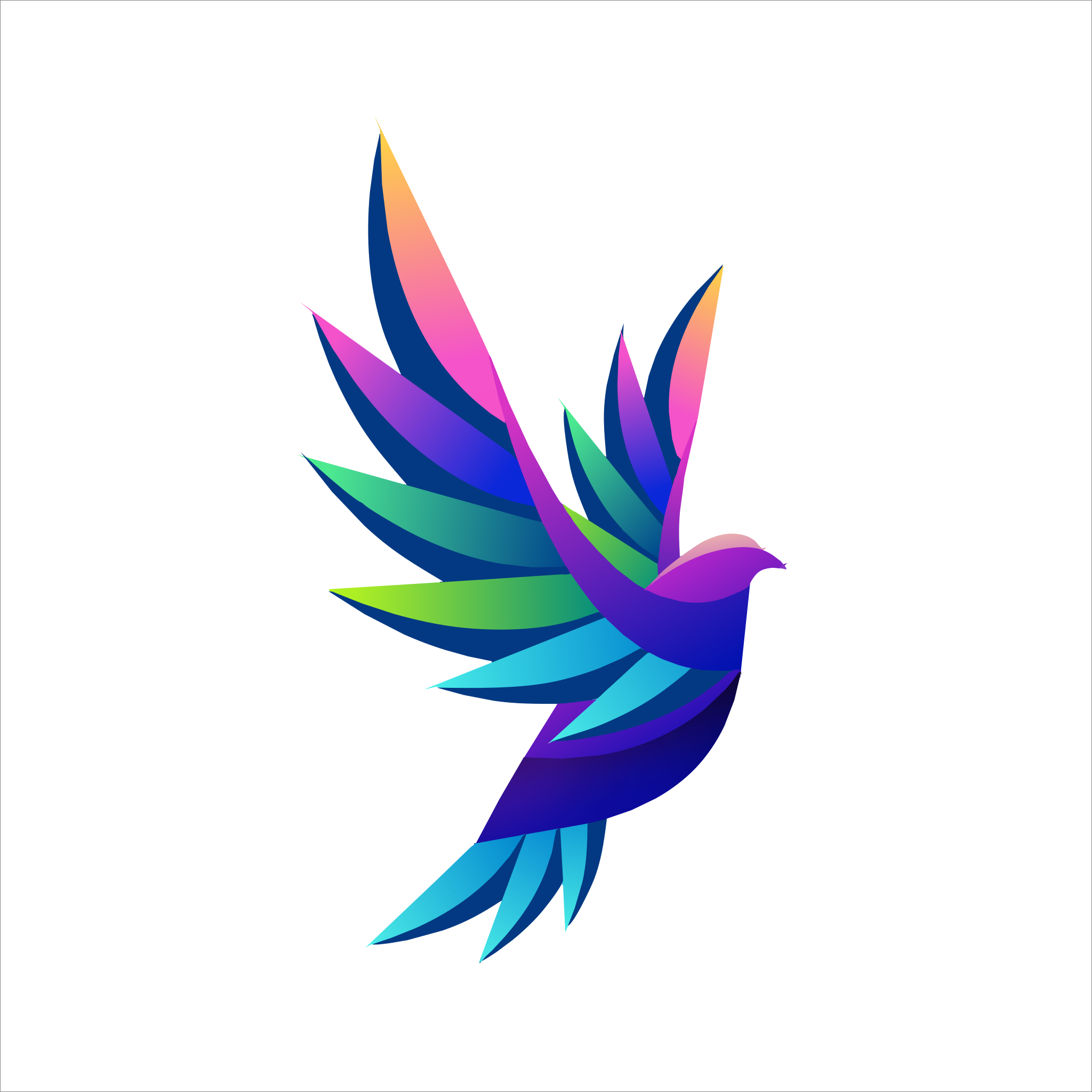




The same engine does this in the studio, on the command line, inside a Go program and in the browser through WebAssembly. Same input, same SVG, every time.
The image is brought down to the few colours it was drawn in, measured in OKLab so that shades which look alike are treated alike.
Connected areas of one colour become shapes. Anti-aliased pixels between two colours are recognised as their mixture and absorbed.
Each boundary is fitted once with cubic curves and shared by both neighbours, so adjoining shapes meet exactly.
Where neighbouring bands fade into each other, they become one region with one gradient.
brew tap vexyl-ai/tap && brew install --cask rekha

# writes logo.svg
rekha logo.png

# try four settings, keep the closest
rekha --auto logo.png

# smooth shading as gradient fills
rekha --preset photo --gradients art.jpg

# PDF or EPS from the extension
rekha -o logo.pdf --preset poster logo.pngPixels or paths? What each kind of image is good at, how to tell which one you have, and when it is worth converting one to the other.
A step-by-step way to rebuild a logo from a PNG or JPG: finding the best copy, tracing it, checking the result and handing it to a printer.
Most tracers turn a smooth fade into a stack of flat stripes. Here is why that happens and how fitting a real SVG gradient avoids it.
It converts raster images, which are grids of pixels, into vector graphics, which are shapes. Give it a PNG, JPEG or GIF and it returns an SVG made of paths and gradients that you can scale to any size and edit in Illustrator, Figma or Inkscape.
Yes. The studio traces images up to 4 megapixels free, without an account. The tracer itself is open source under the AGPL-3.0, so you can run it on your own machine with no limits. Pro is for larger images and heavier use, and a commercial licence covers closed-source products.
Most converters cut shading into flat bands and trace every pixel faithfully, which gives large files with hundreds of shapes. Rekha fits real gradients, recognises circles and rectangles, and places curves from the anti-aliasing. On a shaded logo in our benchmark it used a sixth of the paths and a tenth of the bytes of Adobe Express, and matched the source more closely.
The studio sends your image to the server to trace it and returns the result; the image is not kept. If it must never leave your machine, use the command-line tool or the open-source browser build, which traces entirely on your own computer.
Logos, icons, flat illustration, scanned line art and artwork with smooth shading. Start from the largest clean copy you have. Photographs can be traced for a posterised look, but they rarely make useful vectors.
Drop a PNG or JPEG into the studio and download the SVG. No account needed for images up to 4 megapixels.